Lessons that open the way
Reach your teacher's lessons, and come back to the content whenever you need to review what was explained.
Learning is a journey… and Misk is with you
Misk is an Arabic learning platform for students, teachers, Sheikhs, and families. Lessons and practice, study planning, lesson prep, and Quran memorization and review — in the app or with free browser tools.
Windows and Android • For students and teachers
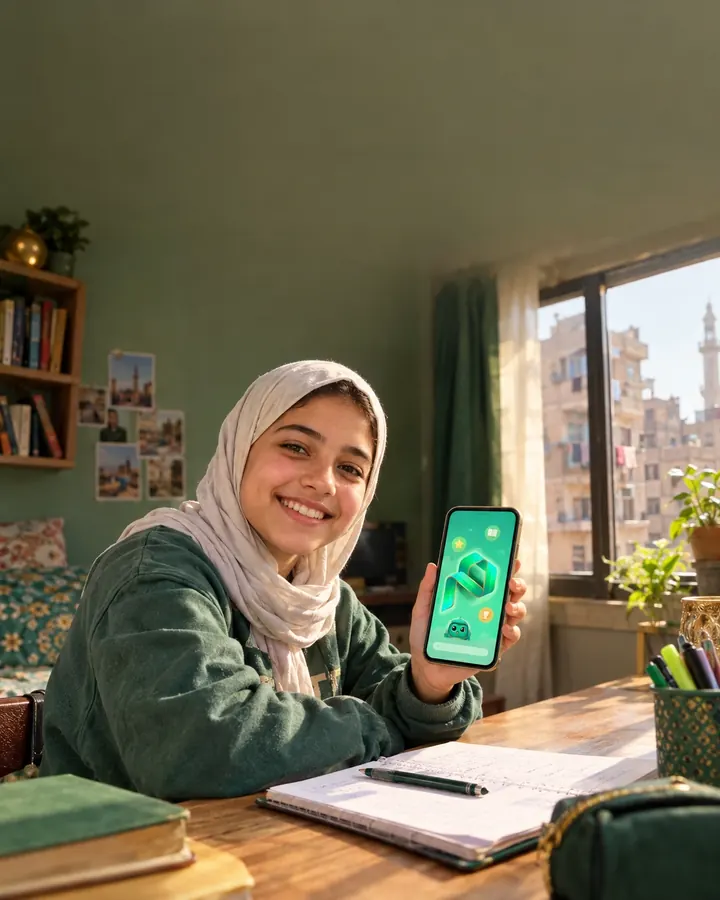
 MiskFor students
A clear lesson… and a start at your own pace.
MiskMisk Atlas
For students
For kids
For families
For teachers
For Sheikhs and Quran
For non-Arabs
Misk systems
Website tools
Room to understand, not clutter
Instead of your day being scattered, keep your lessons, practice, and follow-up close together.
Reach your teacher's lessons, and come back to the content whenever you need to review what was explained.
Solve exercises, quizzes, and homework that help you review what you understood and see what you need to revisit.
See your progress and your next step, and keep your teacher close to your learning journey.
Misk is for you, whatever your role
Start from your teacher's lesson, try what you understood, and follow your next step. Everything is close at hand on Misk.
More than a lesson
Students learn and practice. Teachers prepare and follow up. Sheikhs organize the halaqa and the daily portion. And parents stay close to the journey.
Discover all Misk systemsTry Misk from your browser
Free tools for planning study, preparing lessons, and tracking Quran halaqas. Your work is saved in the same browser, and you can export a copy.
A study plan, a focus timer, and math practice you can try yourself.
Open student tools ←Teacher spacePrepare your class plan and a question sheet ready to print.
Open teacher tools ←Sheikh spaceRecord memorization, recitation, and review, and prepare follow-up for each student.
Open Sheikh tools ←Start from the goal you need. Practical guides that walk you through the steps, tools you can try yourself, and tracks you can continue in Misk.
Split the work into small tasks, and set times for focus and rest. The student tool helps you build a study plan and a focus timer, and the family guide explains how to follow your child and build early reading and math skills.
Start with the lesson goals, then the activities and homework. Prepare a question sheet and answer key to print from your browser, or learn about managing online classes and courses inside the app.
Set the memorization and review portions, and record the result of every recitation. Learn about the Quran track in the app, or start with the local halaqa notebook to follow your students, and read the guide to teaching kids the Quran.
Misk's track for non-Arabic speakers explains letters and phrases in English, with pronunciation, meaning, and audio. The Quran track starts with short surahs with the pronunciation written in Latin letters.
Your next step starts here
Choose your role, then the right version for your device.
Your lessons, practice, and next step, close at hand.
Download links will appear here as soon as they're available.
Prepare your lessons, organize your classes, and follow your students.
Download links will appear here as soon as they're available.
A Windows program with an English interface for learning Arabic and the Quran: 15 lessons in 5 units, and 120 words and phrases with audio built in — the lessons work offline — plus 6 short surahs with meaning and transliteration.
On mobile: download the student app for Android and choose “Learn Arabic & Quran — for non-Arabic speakers”. Full specs · English
Download from the official links here, and choose the version for your role.
For students and teachers. Students find their lessons and practice, and teachers organize their content and classes and follow their students.
Choose student or teacher based on your role, then Android for your phone or Windows for your computer.
This version isn't available to download from the website right now. Check its status here, and its button will turn on once the download is available.
Yes. You can reach the content and exercises your teacher shares with you, and keep track of your class times.